Fox Laser Engrave File
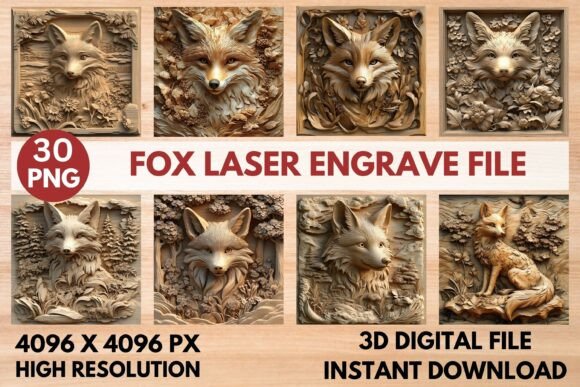
The Fox Laser Engrave File is a versatile and high-quality design set tailored for laser engraving enthusiasts and professionals. Whether you're looking to enhance your home decor, create custom stationery, or produce unique fashion prints, this 3D laser engrave PNG file offers the precision and detail needed to bring your ideas to life. With its high-resolution grayscale PNG format, it's ready to use on a wide range of laser engraving machines, making it an essential tool for anyone serious about their craft.
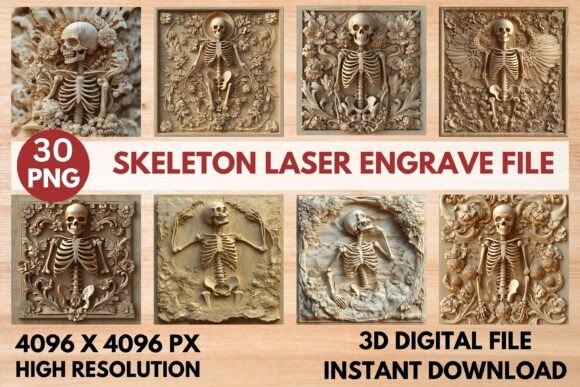
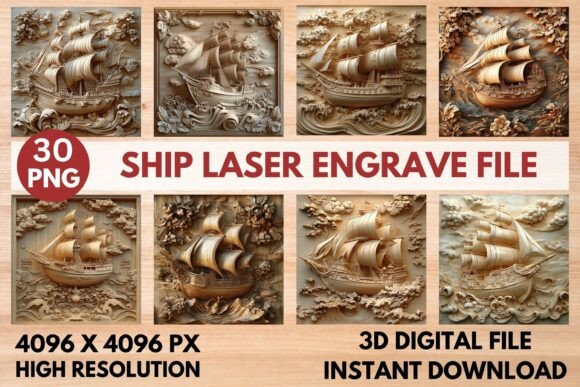
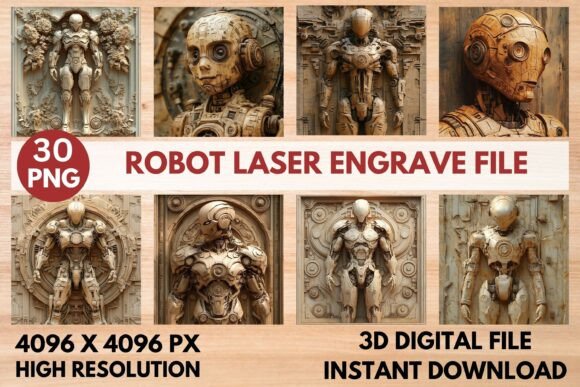
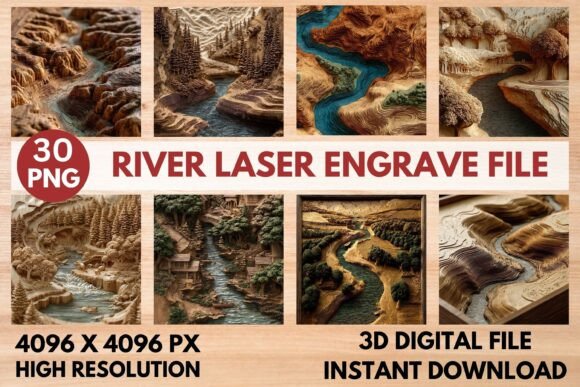
Designed with attention to detail, the Fox Laser Engrave File includes 15 coloring PNG files and 15 grayscale PNG files, each at a resolution of 4096x4096 pixels. These files come with transparent backgrounds, ensuring seamless integration into various projects. The file set is delivered as a ZIP package, providing instant access after purchase, so you can start creating right away.
Why Choose the Fox Laser Engrave File?
The Fox Laser Engrave File stands out due to its exceptional quality and compatibility with popular laser engraving systems like LightBurn, xTool, Glowforge, Sculpfun, and CO2 laser cutters. Its grayscale PNG format ensures sharp, intricate results that meet professional standards. This makes it ideal for both personal projects and commercial applications where precision and clarity are crucial.
Unlike layered SVG or cut files, the Fox Laser Engrave File is specifically designed for engraving, offering a more accurate and detailed output. This means you can achieve stunning textures and depth that elevate the visual appeal of your finished products. Whether you're engraving wood, acrylic, or other materials, the file's high resolution ensures consistent and reliable performance across different surfaces.
Practical Applications of the Fox Laser Engrave File
The versatility of the Fox Laser Engrave File makes it suitable for a wide range of applications. For personal use, it can be used to create custom gifts, such as engraved wooden signs, personalized tableware, or unique jewelry pieces. Its detailed designs add a touch of elegance and individuality to any project, making it perfect for special occasions or everyday use.
Professionals in the creative industry can also benefit from the Fox Laser Engrave File. Artists and designers can use it to develop custom patterns for textiles, packaging, or promotional materials. Entrepreneurs looking to launch a new product line can leverage the file's high-quality output to create eye-catching designs that stand out in a competitive market.
In educational settings, the Fox Laser Engrave File can serve as a valuable resource for teaching students about laser engraving techniques and design principles. Educators can use it to demonstrate how different materials respond to laser engraving, helping students gain hands-on experience with real-world applications.
Optimizing Your Results with the Fox Laser Engrave File
To get the best results from the Fox Laser Engrave File, it's important to follow recommended settings based on your specific machine. For example, when using a Glowforge, setting the speed to 1000, power to 90, and lines per inch to 270 can help achieve optimal engraving quality. Adjusting the number of passes may also improve the final outcome, especially when working with darker or denser materials.
For users of LightBurn, applying the Jarvis dither filter can enhance the accuracy of the engraving process. Using grayscale PNG files is also recommended to ensure the highest level of detail and consistency. These settings not only improve the appearance of the final product but also contribute to a more efficient workflow, saving time and reducing material waste.
Key Features and Benefits
The Fox Laser Engrave File offers several key features that make it a valuable addition to any laser engraving toolkit. Its high-resolution format ensures that even the smallest details are captured accurately, resulting in crisp and clear engravings. The transparent background allows for easy customization, making it simple to integrate the design into different projects without unwanted elements.
Another significant benefit is the file's compatibility with a variety of laser engraving machines. This flexibility means you can use the same design set across different devices, streamlining your workflow and reducing the need for multiple file formats. Additionally, the instant delivery of the ZIP file ensures that you can start working immediately, without delays or additional steps.
For those who want to expand their creative possibilities, the Fox Laser Engrave File provides a foundation for experimentation. By adjusting the design or combining it with other elements, you can create unique and personalized pieces that reflect your style and vision. This adaptability makes it a powerful tool for both beginners and experienced users alike.
Considerations When Using the Fox Laser Engrave File
Before purchasing the Fox Laser Engrave File, it's important to verify that your laser engraving machine and software are compatible with the file format. While the file is optimized for most popular systems, some machines may require additional adjustments or settings to achieve the desired results. Checking your device's specifications and testing the file with a small project can help avoid potential issues.
Another consideration is the need to resize the design if necessary. Although the file comes in a high-resolution format, you may need to adjust the size depending on the material or project requirements. Ensuring that the aspect ratio remains consistent will help maintain the integrity of the design and prevent distortion during the engraving process.
Finally, it's worth noting that the Fox Laser Engrave File is not a cut file, so it's intended for engraving rather than cutting. If you're looking for a design that can be used for both engraving and cutting, you may need to seek out alternative file types. However, for those focused on engraving, the Fox Laser Engrave File offers an excellent solution that delivers professional-grade results.
Conclusion
The Fox Laser Engrave File is a powerful and versatile tool that can enhance your laser engraving projects in countless ways. With its high-quality design, compatibility with popular machines, and practical applications, it's an invaluable resource for creators, entrepreneurs, and educators. Whether you're looking to add a personal touch to your work or expand your business offerings, the Fox Laser Engrave File provides the precision and detail needed to achieve outstanding results. By following recommended settings and considering your specific needs, you can unlock the full potential of this exceptional design set and elevate your laser engraving experience.