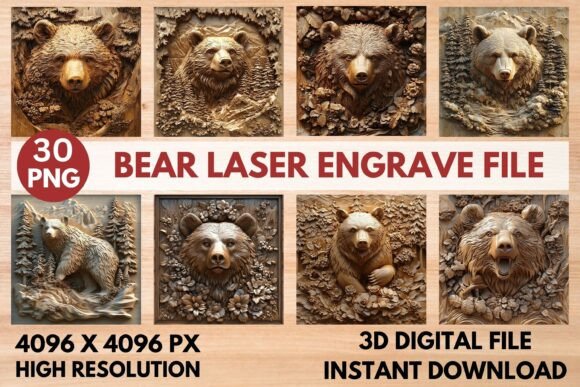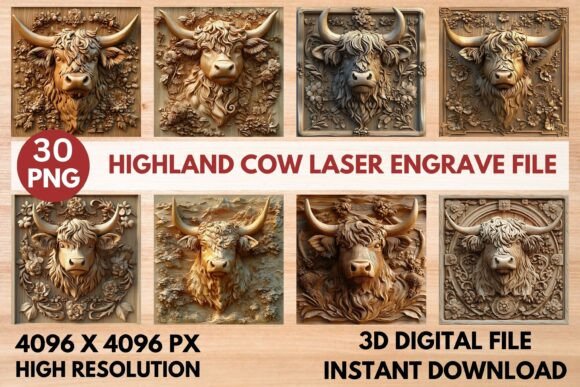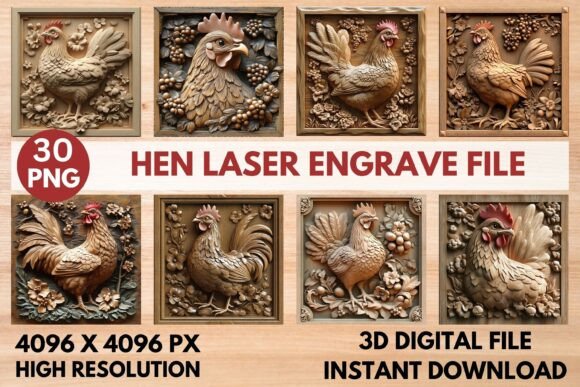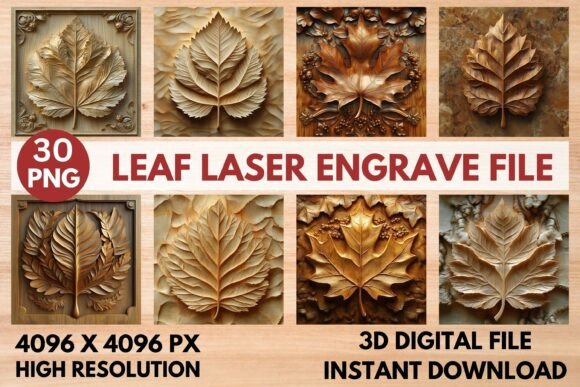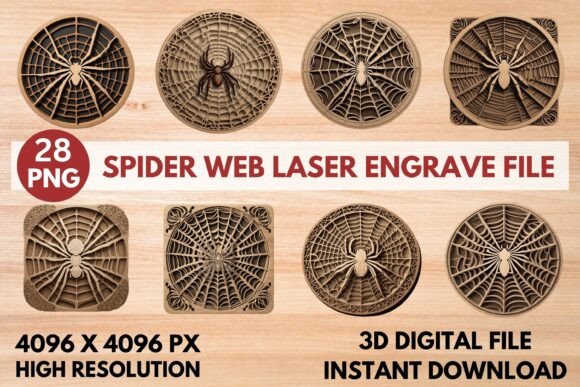
Spider Web Laser Engrave File: A Versatile Design for Creative Projects
The Spider Web Laser Engrave File is a high-resolution grayscale design tailored for laser engraving applications. This premium PNG file offers intricate detail and sharp lines, making it ideal for a wide range of creative and commercial projects. Whether you're working on home décor, wood crafts, stationery, or fashion prints, this design provides the precision needed to achieve professional results. Its transparent background and high-resolution format ensure compatibility with various laser engraving machines, including Glowforge, Lightburn, xTool, Sculpfun, and CO2 laser cutters.
Designed specifically for laser engraving, the Spider Web Laser Engrave File is a valuable asset for anyone looking to enhance their workflow with detailed and consistent patterns. The file comes in multiple formats, including 15 coloring PNGs and 15 grayscale PNGs at 4096x4096 resolution. These files are not editable, so users should plan accordingly and resize them as needed to fit their specific project requirements.
Integrating Spider Web Laser Engrave File into Your Workflow
Understanding how to incorporate the Spider Web Laser Engrave File into your existing workflow can significantly improve efficiency and quality. Before starting a project, consider the type of material you'll be engraving. Lighter woods, such as pine or birch, often produce the best results with this design. The file's grayscale nature allows for varying power settings, which can create depth and dimension in the final product.
For users of Glowforge, the recommended settings include a speed of 1000, power of 90, grayscale vary power, max quality 5, lines per inch 270, and one pass without masking. These settings can be adjusted based on the material and desired outcome. Similarly, LightBurn users should use dithered settings with the Jarvis filter for accurate reproduction, and the grayscale PNG is recommended for optimal results.
When planning your project, take time to organize your files and ensure that the Spider Web Laser Engrave File is properly sized for your engraving machine. Proper preparation can prevent errors and save time during the engraving process. Additionally, consider testing the design on a small sample before applying it to larger or more expensive materials.
Using Spider Web Laser Engrave File in Different Applications
The versatility of the Spider Web Laser Engrave File makes it suitable for a variety of applications. In home décor, it can be used to create unique wooden signs, picture frames, or decorative wall art. For wood crafts, this design adds an elegant touch to custom furniture, cutting boards, or decorative boxes. Its intricate pattern can also be applied to stationery items such as notebooks, greeting cards, or paper goods, adding a refined look to printed materials.
In the textile industry, the Spider Web Laser Engrave File can be used to create personalized fabric designs, such as embroidered patches, tote bags, or clothing accessories. When applied to tableware, it can transform plain mugs, plates, or cutlery into distinctive, custom pieces. Fashion prints can benefit from this design by incorporating it into fabric patterns or printed garments, offering a unique aesthetic that stands out in the market.
The design is also useful for packaging and promotional materials. Businesses can use it to create custom boxes, labels, or promotional items that reflect their brand identity. With its high-resolution format, the Spider Web Laser Engrave File ensures that even small details are clearly visible, enhancing the overall quality of the finished product.
Ensuring Consistency and Quality in Laser Engraving
Consistency and quality are essential when using the Spider Web Laser Engrave File. To maintain uniformity across multiple projects, it's important to follow a standardized process. This includes setting up your laser engraving machine according to the recommended specifications and testing the design on different materials to ensure optimal results.
Quality control is another critical aspect of using this design. Before mass-producing items, conduct a thorough review of the engraved results to identify any inconsistencies or imperfections. Adjusting settings as needed can help achieve a higher level of precision and detail. Additionally, keeping track of your settings and adjustments can streamline future projects and reduce the need for repeated testing.
Long-term use of the Spider Web Laser Engrave File requires proper organization and management. Store the digital files in a secure location and back them up regularly to avoid data loss. If you're using the design for commercial purposes, ensure that you have the necessary rights and permissions to use the file as intended.
Optimizing Your Laser Engraving Process
Optimizing your laser engraving process involves understanding the capabilities of your equipment and the characteristics of the Spider Web Laser Engrave File. Familiarize yourself with the features of your laser engraving machine, such as its maximum speed, power output, and resolution capabilities. This knowledge can help you make informed decisions about how to best utilize the design in your projects.
Experimentation is key to finding the right settings for your specific needs. Try different power levels, speeds, and engraving techniques to determine what works best for your materials and desired outcomes. Keeping a log of your settings and results can help you refine your process over time and improve the quality of your work.
Collaboration and feedback can also enhance your laser engraving experience. Share your projects with others, seek advice from experienced users, and participate in online communities where you can exchange ideas and learn new techniques. Engaging with other creators can provide valuable insights and help you stay updated on the latest trends and innovations in laser engraving.